

Video Production for eLearning Training: 6 Key Things for Success
Elevate your eLearning with impactful video training. This guide provides a roadmap to successful video production for eLearning training that delivers results in 2025.

Elevate your eLearning with impactful video training. This guide provides a roadmap to successful video production for eLearning training that delivers results in 2025.
Elevate your eLearning with impactful video training. This guide provides a roadmap to successful video production for eLearning training that delivers results in 2025.
Why are your learners zoning out by the second module despite your best efforts? If you’ve invested in eLearning only to see minimal retention and low engagement, the problem likely isn’t the content—it’s how it’s delivered. Video production for eLearning training has evolved, but many companies still rely on outdated formats that simply don’t connect with today’s distracted, time-poor audiences.
This article helps you break that cycle. Discover the TOP 10 eLearning training videos that can transform your training and what best practices ensure your training videos not only engage but also inspire action.
eLearning training videos are more than just a modern upgrade, they’re a strategic tool that improves employees’ performance and drives real business results. Here are the top reasons that make eLearning video a must when it comes to corporate training:
eLearning training videos’ potential is more than that! Check out 10 powerful eLearning video benefits you can’t ignore
Not all training videos are created equal—and the wrong style can dilute your message or disengage your learners. Let’s break down the six most effective types of eLearning training videos and when to use each, so you can match format to function with precision.
Let's talk about your goal and pick the style that works best
Animated videos bring abstract concepts and dry topics to life with colorful visuals, motion graphics, and storytelling. They’re ideal for simplifying complex ideas, showing processes, or visualizing things that can’t be filmed. Because they’re fully customizable, they’re also great for aligning with your brand and keeping learners visually engaged.
Animated videos cost from $1,500+ to $10,000+ per minute.
When authenticity matters, live-action videos shine. They feature real people, real settings, and real scenarios, which makes them especially effective for role plays, soft skills training, or showcasing company culture. Learners relate more easily to human faces and voices, making live-action a great choice for building trust and emotional connection.
Live-action video cost ranges from $1,500+ to $10,000+ per minute.
Instructor-led videos replicate the traditional classroom experience, but in a more scalable, on-demand format. They typically feature an expert guiding learners through structured content, often supported by slides or whiteboards. These videos are great for complex or technical subjects that require step-by-step explanation.
The average cost for an instructor-led video is estimated to be between $600 and $2,000 per minute.
Sometimes, a simple face-to-camera video is all you need. Talking head videos are cost-effective and personal, featuring a speaker addressing the viewer directly. They work well for welcome messages, leadership updates, or clear, concise knowledge sharing.
The average cost of talking head videos is from $600+ to $3,000+ per minute.
Interactive videos turn passive watching into active learning. With clickable elements, quizzes, and branching scenarios, learners don’t just watch—they make decisions, respond, and explore. This format is perfect for training that involves problem-solving, real-time feedback, or decision-making skills. It transforms content from “watch and forget” to “experience and retain”.
Interactive videos typically cost from $2,000+ to $15,000+ per minute.
Need to show someone exactly how to use a tool or platform? Screencast videos are your go-to. They capture your screen while a voiceover walks the learner through each step—perfect for software tutorials, platform demos, or IT training. They’re simple, effective, and highly practical for just-in-time learning or onboarding.
Many software and platforms offer free options for DIY screencast videos, meanwhile, professional studios can charge from $1,100+ to $2,000+ per minute.
Curious what great eLearning videos actually look like? Here are some of the best examples for inspiration:
Once you’ve identified the ideal video type, it’s time to turn strategy into action. But how do you go from concept to compelling content? Don’t worry, as we’ll provide you a roadmap to create eLearning training videos that combine instructional strength with production quality—without getting lost in complexity or overspending.
Step 1: Define learning objectives
Start with clarity. What exactly should your learners be able to do, know, or understand after watching the video? Well-defined learning objectives help shape the script, visuals, and tone—and they keep your content focused and measurable.

Step 2: Understand your audience
Knowing your learners is half the battle. Are they new hires or experienced professionals? Visual or verbal learners? Understanding their needs, preferences, and challenges ensures the video resonates—and delivers value.
Step 3: Choose the right video format
Each video style serves a different purpose. Animated videos simplify complex ideas. Screencasts are great for tutorials. Talking heads build connection. If you’re still unsure, check the 6 types of eLearning training videos again, and choose the format that fits your content.
Step 4: Write a learner-centered script
Great scripts speak to the learner—not at them. Use plain language, active voice, and real-world examples. Break information into short, digestible chunks, and focus on what matters most to your audience’s success.

Want to write a script that grabs attention from the start? Explore how to write an animated eLearning video script
Step 5: Design engaging visuals
Creating an e-learning training video doesn’t have to be overwhelming if you choose the right tool. Here’s are some of the most popular options so you can get started right away:
| Tool | Best For | Price Range | Key Features |
| Vyond | Animated Videos | Starting at $49/month | Drag-and-drop interface, customizable characters, lip-sync, extensive templates |
| Camtasia | Screencast Videos | One-time fee of $299 | Screen recording, video editing, annotations, transitions, quizzes |
| Articulate 360 | Interactive Videos | Starting at $1,399/year | Interactive eLearning modules, branching scenarios, assessments |
| Adobe Premiere Pro | Live-action Videos | $20.99/month | Professional video editing, color correction, audio mixing |
| Descript | Talking Head/Expert Interviews | Free plan; Paid plans start at $12/month | Transcription, video editing via text, screen recording, overdub feature |
| ActivePresenter | Screencast & Interactive Videos | Free; Pro version at $199 | Screen recording, interactive quizzes, SCORM compliance |
| Powtoon | Animated & Live-action Videos | Free plan; Paid plans start at $19/month | Animated presentations, templates, voiceover support |
| Lumen5 | Live-action & Text Overlay Videos | Free plan; Paid plans start at $19/month | AI-powered video creation, text-to-video, stock footage library |
| iSpring Suite | Interactive & Screencast Videos | Starting at $770/year | PowerPoint integration, quizzes, dialogue simulations |
| OBS Studio | Live-action & Screencast Videos | Free | Open-source software for video recording and live streaming |
Bonus design tips for eLearning videos:
Must read! These are 10 educational animation software that will help elevate your training video
Step 6: Record your video & audio
If you’re recording yourself or your screen, tools like Loom, Descript, or Camtasia make the process simple. For AI-powered support, platforms like Synthesia and HeyGen let you create videos with realistic avatars and voiceovers—no camera needed.
Tips for DIY Recording:
Step 7: Optimize for delivery channels
Your video should look good and load fast—on any device. Compress files without losing quality, add closed captions for accessibility, and export in formats compatible with your LMS or training platform.
Step 8: Test with a pilot group
Before rolling out your video to everyone, test it with a small, diverse group of learners. Collect feedback on clarity, pace, and engagement. You’ll catch blind spots early and avoid costly reworks later.
Step 9: Launch and track performance
Once you go live, don’t stop there. Use analytics to track completion rates, quiz scores, and learner feedback. These insights help you refine future videos—and prove ROI to stakeholders.
Check out more tips and advice to create effective and engaging eLearning training videos:
Even with a clear roadmap, you may not have the in-house capacity to produce high-quality videos at scale. That’s where the right freelance platforms come in—offering flexible, on-demand access to professionals who specialize in eLearning content. Take a look at the table to know what to expect when hiring a freelancer for your e-learning training videos.
| Platform | What they offer | Price range |
| Fiverr | Pre-packaged gigs for animation, video editing, voiceover, and training video creation | $50–$1,500+ per project |
| Upwork | A wide range of freelance video producers, instructional designers, and animators with hourly or fixed rates | $20–$150+/hour or project-based bids |
| Toptal | Vetted freelancers for high-end animation, motion design, and enterprise-level training video production | $60–$200/hour (top-tier vetted freelancers) |
Freelancers work great for quick wins, but when you’re aiming for top-notch quality and a strategic approach, partnering with a dedicated eLearning video production company offers deeper expertise and long-term consistency. In this section, we’ve curated eight trusted production companies known for creating impactful, learner-centered video content for organizations around the world.
| Company | Overview | Key Services |
| F. Learning Studio | A creative studio provides full service for animated corporate training videos. Known for impactful, cost-effective solutions that focus on visual design for learning. | Custom animated corporate training videos, learner-focused design, strategic instructional design. |
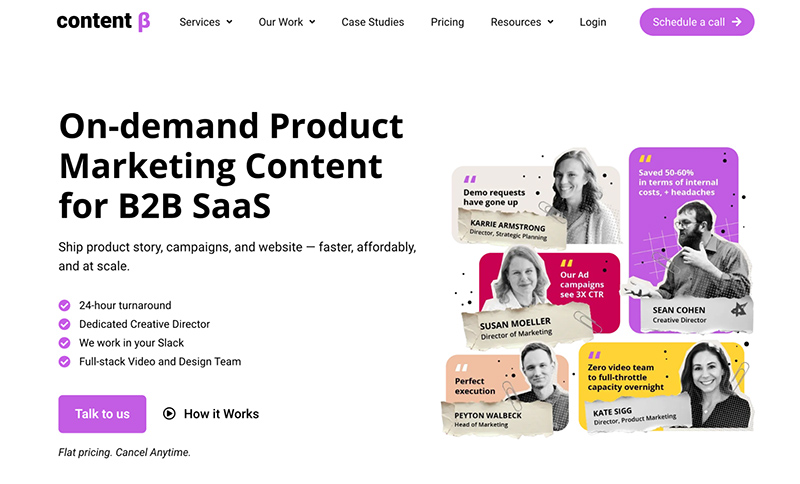
| Content Beta | Creative-as-a-service platform offering on-demand design, animation, and video editing teams for B2B tech companies to scale content creation. | Motion design, video production, document design, ad creatives, content repurposing. |
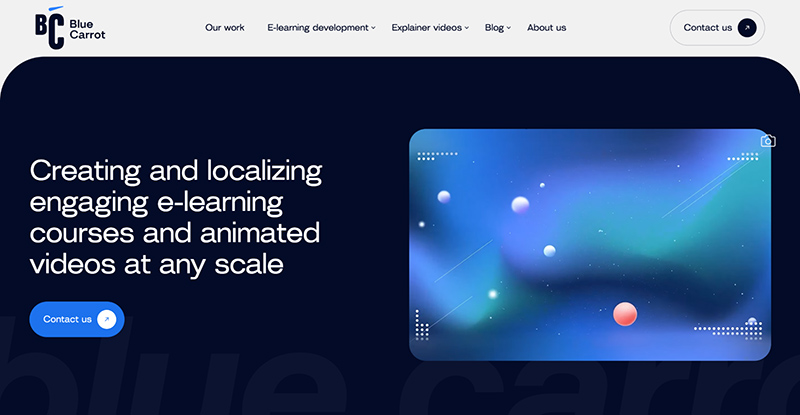
| Blue Carrot | Full-service video production agency with a strong focus on creating educational and marketing content, handling the entire production journey. | 2D/3D/traditional/cut-out/whiteboard animation, scriptwriting, post-production. |
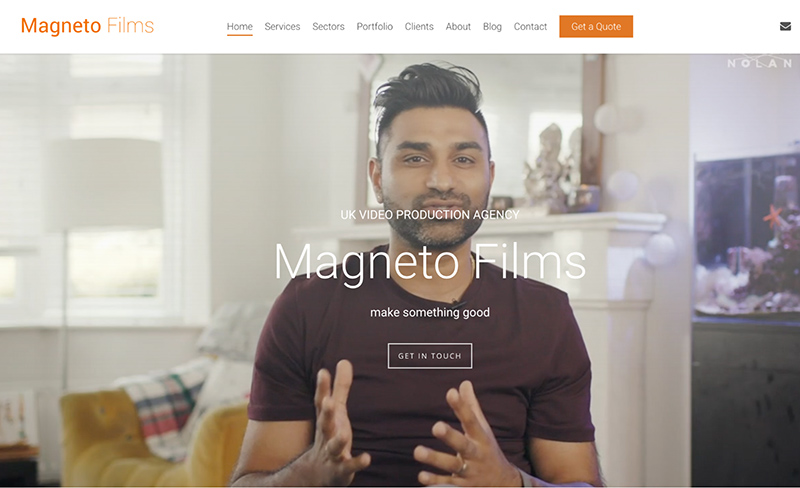
| Magneto Films | UK production house specializing in emotionally compelling narratives for purpose-driven organizations across various sectors. | Training films, explainer videos, case study videos, testimonial videos. |
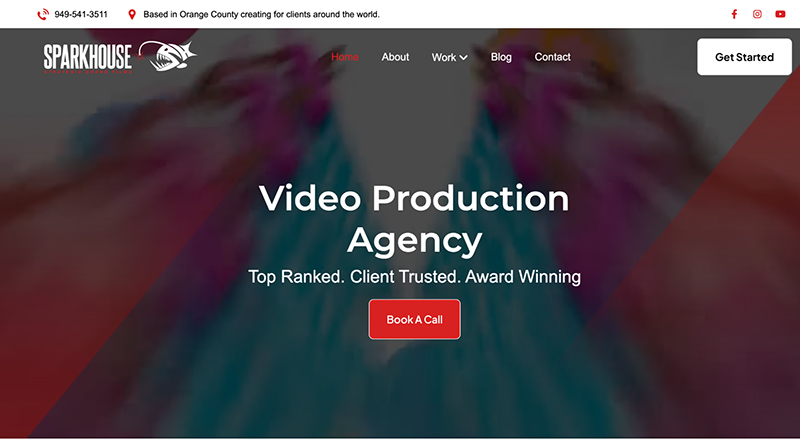
| SparkHouse | Video production and marketing agency known for blending cinematic storytelling with digital marketing strategy, creating branded films and commercials. | Product videos, brand videos, animations, social media videos, photography. |
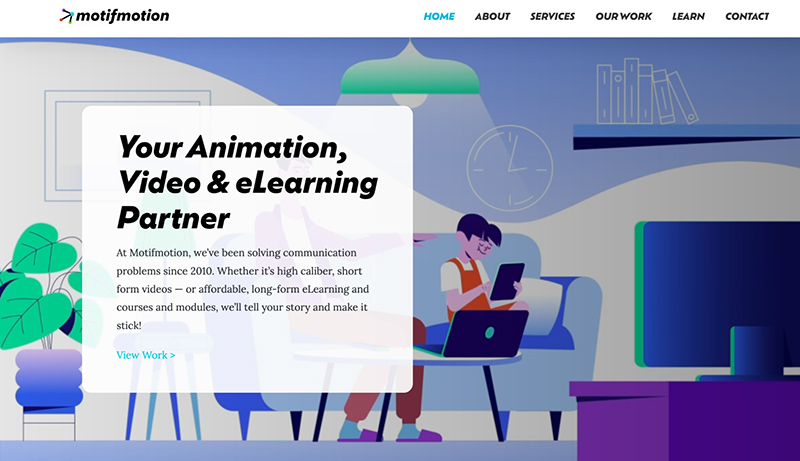
| Motif Motion | US-based digital content studio specializing in animated and live-action video production with a focus on educational and training content. | eLearning course development, corporate training videos, healthcare & medical animations, educational content. |
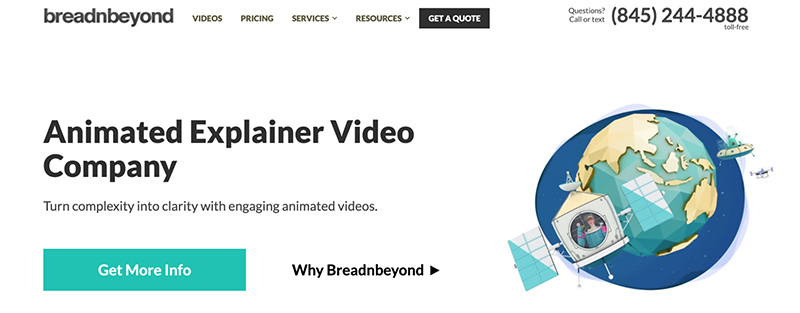
| Breadnbeyond | Production company specializing in creating animated explainer videos since 2009, offering tailored solutions for global clients. | Animated explainer videos, product demos, training videos, music videos. |
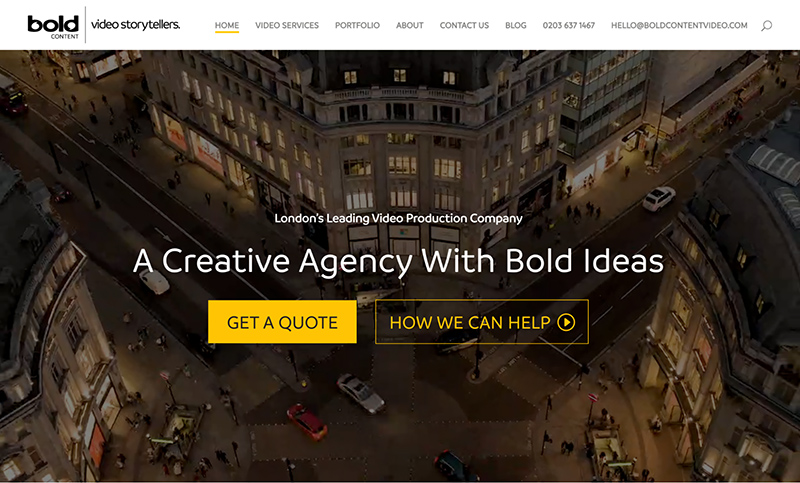
| Bold Content Video | London-based creative video agency focused on producing high-quality brand videos and animations through storytelling that aligns with company values. | eLearning video production, corporate training videos, product videos, promotional content. |
Still not sure which one is the right partner for you? Check out our in-depth guide to the top elearning companies and compare their services, strengths, and client feedback.
F. Learning Studio helps businesses turn complex training into meaningful learning through the power of animation and strategic instructional design. With over 9 years of experience, we’ve partnered with organizations across the globe to create videos that don’t just look good—they drive real outcomes.
9+ years of creating high-impact eLearning videos for global enterprises
With over nine years of experience, F. Learning Studio has become a trusted partner to global organizations looking to transform training into real, measurable impact. We’ve worked with industry leaders like IntelyCare, Aviassist, and Inlogik, helping them simplify complex concepts and deliver engaging, scalable learning across their teams.
One standout example is our partnership with Guardian Group, a leading Caribbean financial services provider. Faced with a disengaging HR strategy document, they turned to us for help. In response, we transformed their dense, text-heavy message into two culturally relevant, easy-to-digest animated videos.
The outcome? A 20-page training was distilled into 6 minutes of clear, actionable learning—with a noticeable boost in employee engagement.

Transform Corporate Training with Tailored Learning Journeys
Discover How F.Learning Studio Can Help!
Learner-focused training videos, designed to fit your budget
F. Learning Studio’s proud of providing eLearning training videos that are not only cost-effective but also carefully tailored to your learners’ styles, preferences, and real-world challenges. Thanks to our Vietnam-based location, a streamlined workflow, and a dedicated in-house team, we’re able to craft thoughtful, learner-centered content while staying aligned with your budget.
Want to discuss your budget and explore cost-effective animation solutions for your training needs? Grab a FREE consultation with our team today.
Turn passive viewers into active learners through smart visual design
A video isn’t effective just because it moves—it’s how it moves the learner that matters. At F. Learning Studio, we use evidence-based learning design to transform training videos into active learning experiences.
Every animation, visual cue, and content structure is crafted to guide attention, simplify complexity, and enhance retention. Our designs don’t distract; they focus learners on what matters most, helping them understand, remember, and apply what they’ve learned.
Request a FREE demo to see how smart visuals turn training into transformation.
To better prepare for eLearning training video production, check out these articles:
With so many capable providers on the market, how do you choose the one that fits your goals, budget, and internal processes? Let’s look at the key factors that help you select a video production partner that delivers measurable learning outcomes.
| Factor | What to Consider |
| Experience & Portfolio | – Relevant Industry Experience: Do they have a proven track record of creating videos specifically for eLearning or corporate training? Check their portfolio for examples that align with your industry and training goals. – Variety of Video Styles: Can they produce the types of videos you need (animation, live-action, interactive, etc.)? Do they showcase a diverse range of styles and approaches? – Client Testimonials & Case Studies: What do past clients say about their experience? Look for evidence of successful projects and satisfied customers. |
| Production Process & Communication | – Clear Workflow: Do they have a well-defined and transparent production process from initial consultation to final delivery? – Communication & Collaboration: Are they responsive, communicative, and easy to work with? Do they value your input and feedback throughout the process? – Project Management: Do they have a system for managing timelines, budgets, and revisions effectively? – Intellectual Property & Usage Rights: Are their contracts clear about ownership and usage rights of the video content? |
| Creative & Technical Capabilities | – Quality of Visuals & Audio: Is their portfolio visually appealing and professionally produced? Is the audio clear and of high quality? – Technical Expertise: Do they have the necessary equipment, software, and skilled personnel to deliver high-quality video in your desired formats? – Innovation & Creativity: Do they offer fresh ideas and creative solutions to make your training videos stand out? Are they aware of and able to implement emerging video trends in eLearning? |
| Pricing & Value | – Transparent Pricing Structure: Is their pricing clear, detailed, and aligned with your budget? Do they provide breakdowns of costs? – Value for Money: Consider not just the cost, but the quality of work, their expertise, and the potential impact on your learners. – Negotiation & Flexibility: Are they open to discussing your budget and potentially offering flexible solutions? Be wary of overly cheap options that may compromise quality. |
| Cultural Fit & Alignment | – Understanding Your Brand & Culture: Do they take the time to understand your company’s values, tone, and brand guidelines? – Responsiveness to Your Needs: Do they listen to your specific requirements and tailor their approach accordingly? – Long-Term Partnership Potential: Are you looking for a one-off project or a longer-term relationship for ongoing video needs? Choose a partner whose goals align with yours. |
| Post-Production Support | – Revision Process: What is their process for handling feedback and revisions? How many rounds are included? – Technical Support: Do they offer support after the video is delivered if you encounter any technical issues? – Hosting & Distribution Assistance: Can they assist with uploading or integrating the videos into your LMS or other platforms? |
Once you’ve chosen a partner, the next step is understanding what to expect from the production journey. A smooth process can mean the difference between a stressful experience and a strategic success. Here’s a breakdown of the typical eLearning training video production process—so you know how your content will come to life, stage by stage.
| Step | Description |
| 1. Project Initiation & Planning | – Defining Goals & Scope: Clearly identify the learning objectives the video needs to achieve, the target audience, key messages, and the overall scope of the project. This includes defining the video type, length, and desired outcome. – Budget & Timeline: Establish a realistic budget for all aspects of production and create a detailed timeline with milestones and deadlines for each stage. – Stakeholder Approval: Obtain necessary approvals from relevant stakeholders on the project plan, budget, and timeline. |
| 2. Scripting & Storyboarding | – Script Development: Write a clear, concise, and learner-centered script that aligns with the learning objectives. Consider the tone, pacing, and language appropriate for the audience. – Visual Planning: Develop a storyboard that visually outlines each scene, including camera angles, on-screen text, graphics, animations, and any key actions. This helps visualize the final video and ensures a smooth flow. – Voiceover Scripting (if applicable): Write the script for any narration, ensuring it complements the visuals and reinforces the key messages. |
| 3. Pre-Production & Preparation | – Asset Gathering: Collect all necessary assets, including existing course content, branding guidelines, images, logos, music, and stock footage. – Talent & Location Scouting: If live-action is involved, cast actors or secure presenters and scout suitable filming locations. Obtain necessary permissions and releases. \ – Equipment Check & Setup: Ensure all filming equipment (cameras, microphones, lighting), software, and necessary resources are in place and tested. |
| 4. Production & Filming | – Filming (if live-action): Execute the filming according to the storyboard and script. Pay close attention to framing, lighting, audio quality, and actor performance. Capture multiple takes if necessary. – Voiceover Recording (if applicable): Record the narration in a quiet environment with good audio quality, following the script and desired tone. – Screen Recording (if screencast): Record the on-screen actions with clear narration, highlighting key steps and features. <br> – Animation Production (if animated): Create the visual elements and animations according to the storyboard and script, ensuring smooth transitions and engaging visuals. |
| 5. Post-Production & Editing | – Video Editing: Assemble the raw footage, graphics, animations, and voiceover into a cohesive video. Trim unnecessary segments, adjust pacing, and ensure a logical flow. – Audio Editing: Enhance the audio quality by removing noise, balancing levels, and adding background music and sound effects (if appropriate). – Visual Enhancement: Add text overlays, lower thirds, annotations, and other visual elements to clarify information and enhance engagement. – Accessibility Features: Add accurate captions and transcripts to the video. Consider audio descriptions if necessary. |
| 6. Review & Feedback | – Internal Review: Share a draft of the video with internal stakeholders for feedback on content accuracy, clarity, engagement, and alignment with learning objectives. – Subject Matter Expert Review: If applicable, have a subject matter expert review the video for factual accuracy and completeness. – Pilot Testing (optional): Share the video with a small group of the target audience to gather feedback on their understanding and engagement. |
| 7. Revisions & Finalization | – Incorporate Feedback: Address the feedback received during the review process by making necessary revisions to the video content, editing, and visuals. – Final Review: Conduct a final review of the revised video to ensure all feedback has been addressed and there are no errors. – Export & Formatting: Export the final video in the required format and resolution optimized for the intended delivery platform (LMS, website, etc.). |
| 8. Distribution & Implementation | – Uploading & Embedding: Upload the finalized video to the designated learning platform or website and embed it within the relevant training module or content. – Context & Instructions: Provide learners with clear instructions on how to access and engage with the video. – Promotion (if applicable): Announce the new video content to learners or relevant stakeholders. |
| 9. Evaluation & Iteration | – Track Engagement Metrics: Monitor video views, completion rates, and other relevant metrics to assess learner engagement. – Gather Learner Feedback: Collect feedback from learners through surveys or feedback forms to understand their experience and identify areas for improvement. – Analyze Effectiveness: Evaluate the video’s impact on achieving the learning objectives. – Iterate & Update: Based on the data and feedback, identify areas for improvement and update the video content or production process for future projects. |
Even the best process won’t guarantee results without thoughtful execution. To create training videos that truly resonate and stick, you need to follow best practices grounded in learning science and audience psychology. That’s why we share expert-backed tips to help you elevate your videos from “informative” to unforgettable.
Visual overload is a fast track to cognitive fatigue. Stick to one key idea per screen, use whitespace strategically, and guide the learner’s attention with contrast and movement. When visuals are clear, learners stay focused and absorb more.
A static video is just a video. Interactive pauses, questions, and scenario-based branches turn viewers into participants. These small elements give learners a chance to reflect, apply, and stay alert—making the experience feel alive.
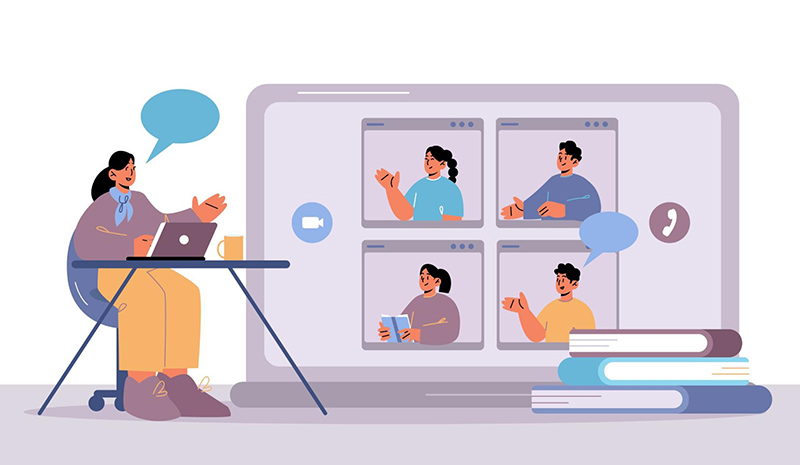
Accessibility isn’t a bonus—it’s a baseline. Captions, transcripts, and screen reader-friendly formatting make your training inclusive from the start. Plus, even learners without disabilities benefit from being able to read along or revisit key moments.
Your learners might be watching on a phone during a commute or on a slow connection in a remote area. Compress videos smartly, test mobile playback, and keep file sizes reasonable so learning is seamless—no matter the device.
When the video ends, what should the learner do next? Don’t leave them guessing. A clear, compelling call-to-action—whether it’s applying knowledge, starting a quiz, or joining a discussion—extends the learning beyond the screen.
No video is perfect the first time—and that’s okay. Pilot your content with real learners, gather feedback, and use it to improve. The best training videos evolve over time, shaped by data, insights, and real-world learning behavior.
Looking to improve your training results? Here’s what you need:
From interactivity to gamification, the future of eLearning video is already taking shape. Let’s explore the five trends reshaping training—and how you can integrate them to future-proof your learning strategy.
Sometimes, the best teachers are the people already doing the work. User-generated training videos bring peer-to-peer insight into the learning experience, adding authenticity, relatability, and trust. It’s collaborative learning, captured on camera.
Must read: 8-Step Guide to Create User-Generated eLearning Training Videos
VR and 360° videos are redefining immersion. Learners don’t just watch—they step inside real-world simulations, explore environments, and practice in safe, controlled spaces. It’s experiential learning taken to the next dimension.
When learning feels like a game, motivation spikes. Gamified video content adds points, challenges, and rewards to your training, turning progress into play. It’s a proven way to boost engagement—without sacrificing outcomes.

Must read: Gamify Corporate Training: Everything You Should Know in 2024
Learning doesn’t always happen at a desk. That’s why mobile-friendly videos are a must. Whether it’s on a phone during a break or a tablet on the go, mobile-optimized training meets learners where they are—without skipping a beat.
Imagine a world where your corporate training captivates learners, knowledge retention soars, and skills development accelerates. This vision is achievable thoughtful and strategic video production for elearning training. By embracing the versatility of video and the insights shared in this guide, you can unlock the full potential of your workforce.
Now, let’s take the next step in creating truly transformative learning experiences. Contact us for expert guidance and a collaborative partner dedicated to your learning success.
Read more:

F. Learning Studio's Author
Sean Bui, the founder and creative director of F.Learning Studio, is a respected leader in the e-learning and multimedia production industry. With over 10 years of experience, he has dedicated his career to helping organizations create engaging and impactful learning experiences. Under his leadership, F.Learning Studio has grown into a trusted partner for organizations in the education, healthcare, and corporate training sectors, producing over 2,000 minutes of educational animation.
Whether you’re training a team or explaining a message — we’ll help you do it clearly.
Clarity changes everything
Whether you’re training a team or explaining a message — we’ll help you do it clearly.